
Your team's calendar, Saturday by Saturday
Before you confirm a date you need to know who is free. Photographers, videographers and second shooters mark their availability and you see the whole season at a glance.
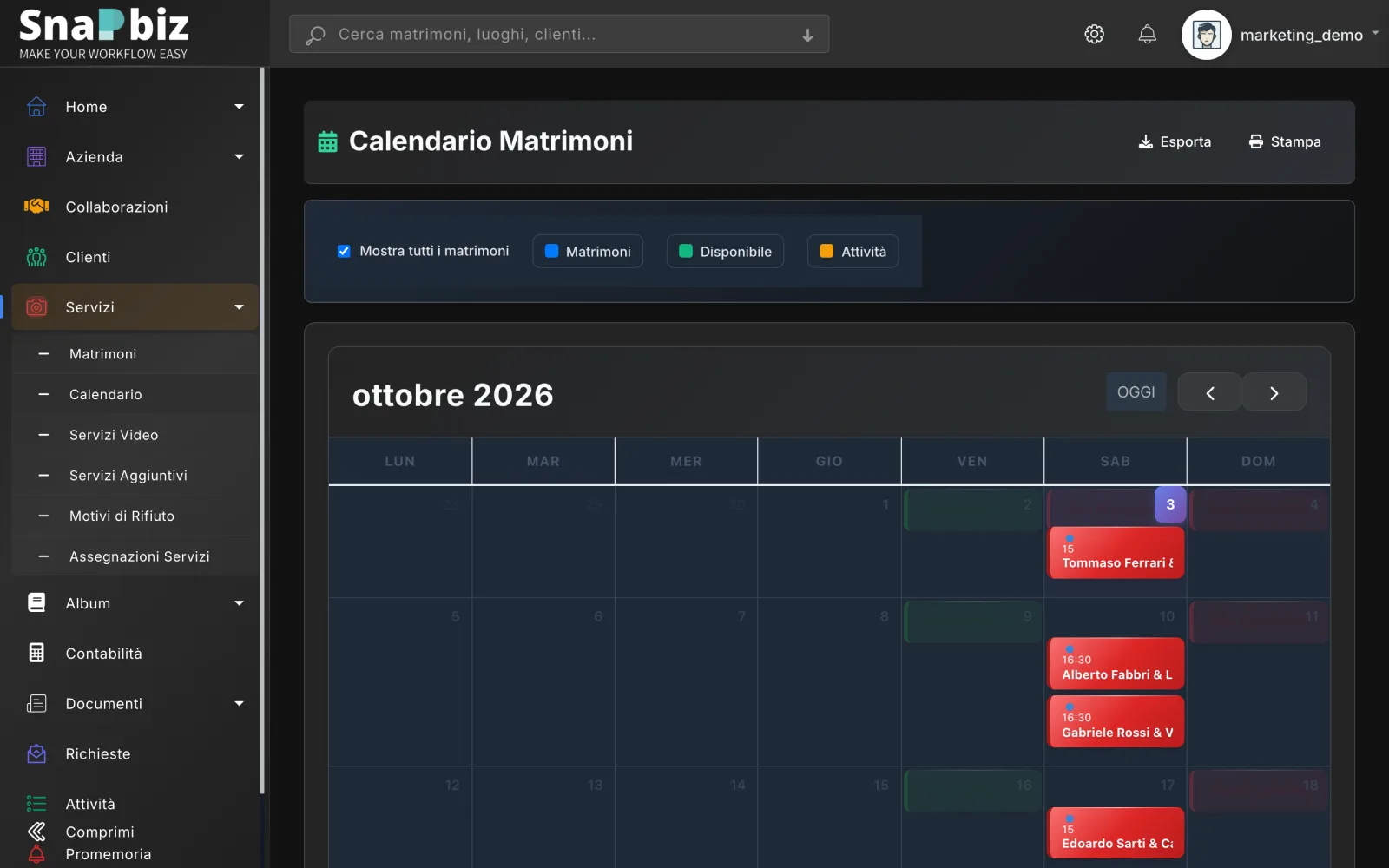
Screenshots with sample data.
Each team member marks every day as available, unavailable or to be confirmed. When you assign a service, that person gets an email and the date is blocked in their calendar.
Three-state availability
Available, unavailable, to be confirmed: everyone updates their own, from the phone too.
Who is free that day
Before assigning, see who marked the date as free, without chasing messages.
Assignments with approval
Assign photo, video or drone to an operator, who gets every detail by email. If they work for another studio, that studio approves the assignment.
Studio collaborations
Studios and freelancers connect on SnapBiz and agree on the base fee of the collaboration.
Frequently asked questions
Do my collaborators have to pay for SnapBiz?
It depends on who they are. In-house employees take a seat on the studio's plan; external collaborators count towards the number of externals the plan allows. A freelancer who also works for other studios has a plan of their own. During the beta access is free.
Can collaborators download or delete their own data?
Yes. From their profile page, every photographer or collaborator can download a full export of their own data — wedding notes, availability, collaboration requests, questions asked to the help center — and can request erasure, which the SnapBiz team handles; it is not automatic.
Can I see availability on the iPhone?
Yes. The iPhone app shows the calendar with confirmed weddings and availability, and lets you mark your own.